
Getting started
Welcome! Here’s everything you need to make your first check-in and start levelling up.
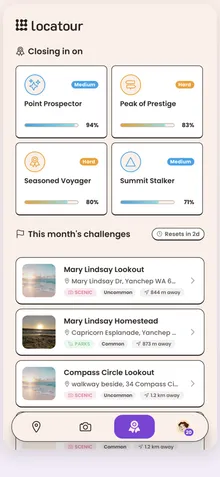
-
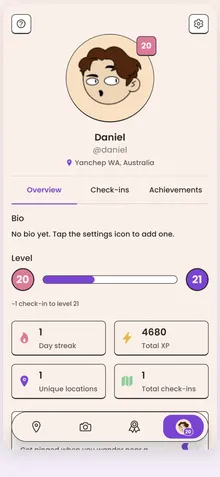
Sign in and set up your profile.
When you first open Locatour, sign in with Google to create your account, then set up a quick profile: a name, an avatar, and your interests (hiking, camping, fishing, photography, and more). Your interests help the app surface the kinds of places you’ll enjoy most.
-
Find a place near you.
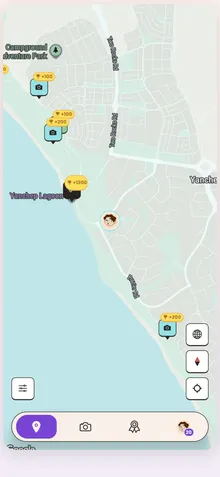
Open the map. You’ll see locations around you, each marked with a pin. Tap one to see its details: what it is, what you’ll find there, and what you’ll earn for visiting. At the start you’ll see the everyday, easy-to-reach places; the more remote and hidden spots stay locked until you’ve levelled up. See Finding & unlocking locations.
-
Go there.
This is the part that matters: you have to actually be at the place. Locatour is played outdoors, on foot. Pick somewhere you can get to, and head out.
-
Check in with a photo.
When you arrive, open the location and tap check in. Your phone confirms you’re really there, and you’ll take a quick photo to mark the moment. That’s it. You’ve checked in. Curious how it works (and why)? See Photo check-ins.
-
Earn experience and level up.
Every check-in rewards you with experience. As your experience grows, you climb levels, and each milestone unlocks new places to discover. Keep a daily habit going and you’ll build a streak, too.